Secure Messaging
Without Compromise

Nebuchat offers end-to-end encryption, decentralized servers, and no account registration. Communicate securely with anyone, anywhere.
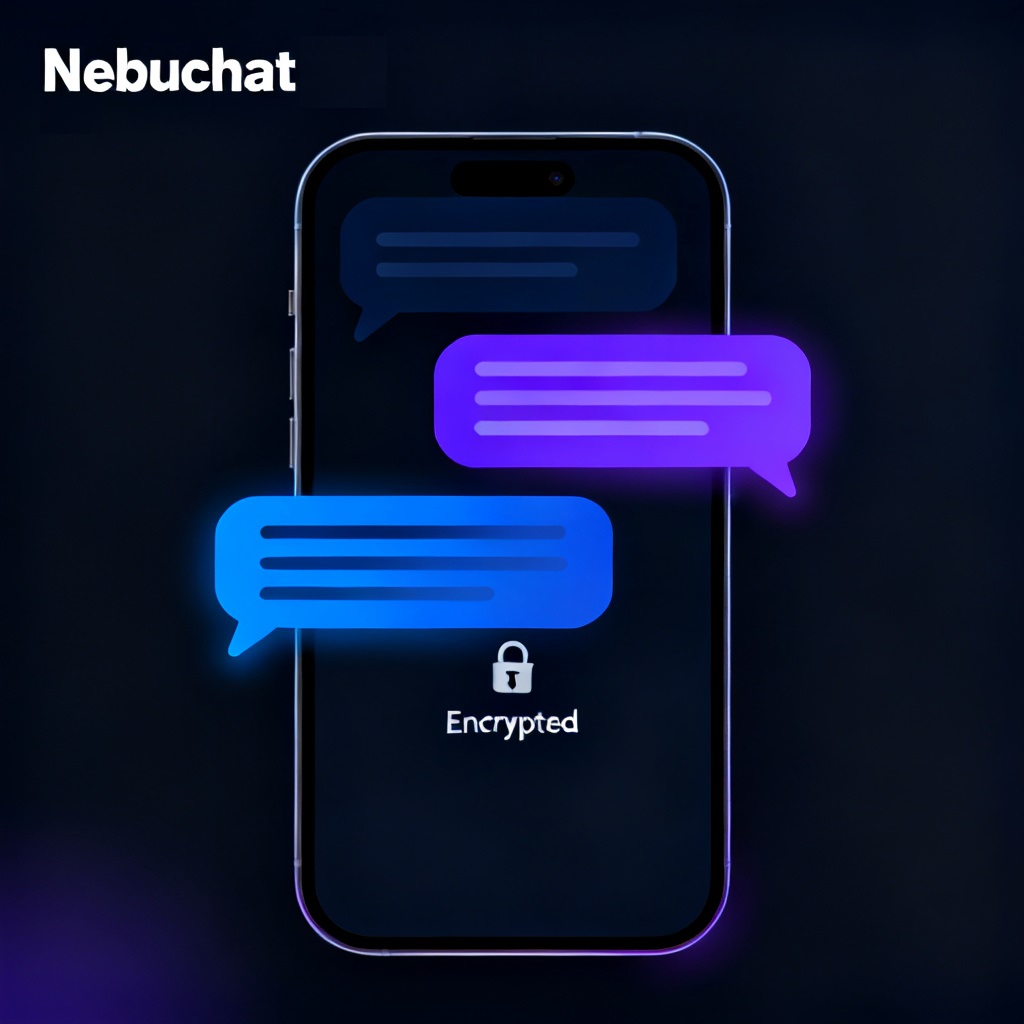
Nebuchat App Interface

Why Nebuchat?

We've reimagined secure messaging with privacy at its core. No compromises, no backdoors, simple true security.

End-to-End Encryption

Every message is encrypted from sender to receiver using AES-256 encryption protocols. Only you and your recipient can read your conversations.

Decentralized Servers

Host your own server. No central authority means no single point of failure or surveillance.

No Account Registration

Communicate without sharing personal information. No email, no phone number, just a unique ChatID for connect chats.

Secret Key Protection

Messages remain encrypted until the correct secret key is entered. Even if your device is compromised, your conversations stay secure.

How End-to-End Encryption Works

See for yourself how Nebuchat keeps your messages secure from prying eyes.

Secure Communication Flow

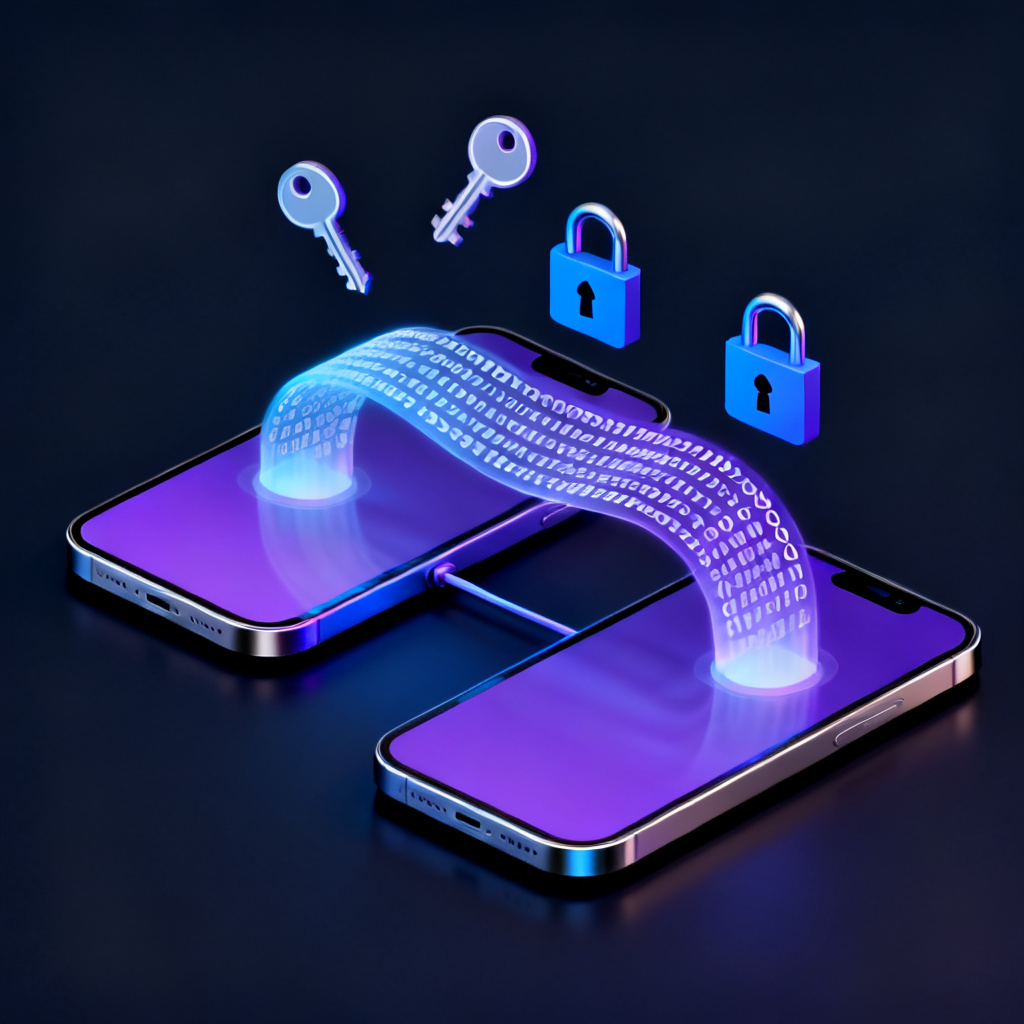
When you send a message with Nebuchat, it's encrypted on your device using AES-256 before being sent to the recipient. Only the intended recipient with the correct secret key can decrypt and read the message.

Message encrypted on your device
Encrypted message sent through network
Message decrypted only on recipient's device
End-to-End Encryption Visualization

Try Our Encryption Demo

Your encrypted/decrypted message will appear here...

Get NebuChat

Windows, macOS, iOS & Android compatible, secure messaging wherever you are.

Download for iOS

Requires iOS 18.0 or later

App Store
iOS QR Code

Scan to download

Coming Soon

Requires Android 8.0 or later

Google Play
Android QR Code

Scan to download

Desktop

Windows and macOS

Getting Started

Learn how to set up and use NebuChat in just a few simple steps.

1

Download and Install

Download NebuChat and install it on your device. No account registration required.

2

Enter Server Address

Add your own server starting with https:// to host chats. Your messages will be fully under your controrl.

3

Create Your ChatID

Create a unique ChatID. Share this ID with people you want to communicate with.

4

Set a Secret Key

Create a strong secret key that will be used to encrypt and decrypt your messages. Share this key only with trusted recipients.

5

Start Chatting

Type your message, and send. Your message will be encrypted and sent securely.

6

Decrypt Messages

When receiving messages, enter your secret key to decrypt and read them. Without the key, messages remain secure and encrypted.

Want to host your own server?

Check out our server documentation

Frequently Asked Questions

Find answers to common questions about Nebuchat.